
Red Moon - Screen Filter3.0.0 - Google Play
You'll be able to see results in few seconds.
Publisher Description
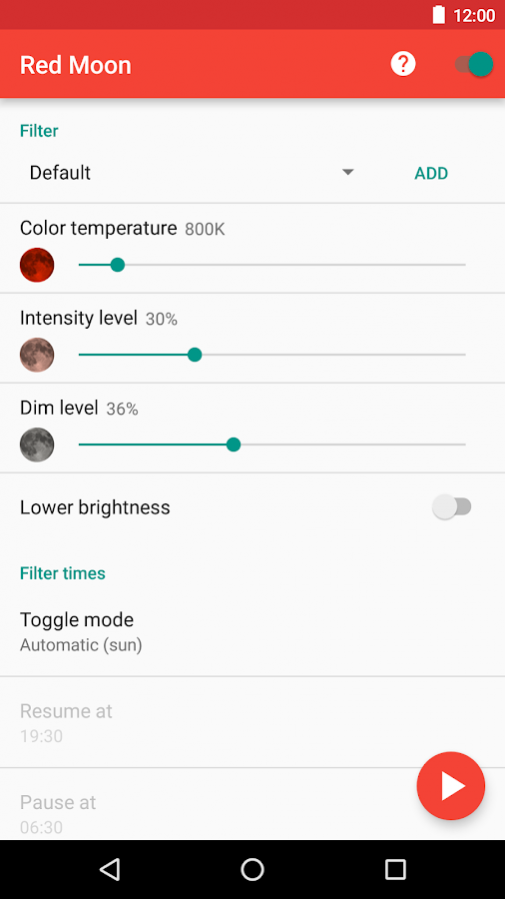
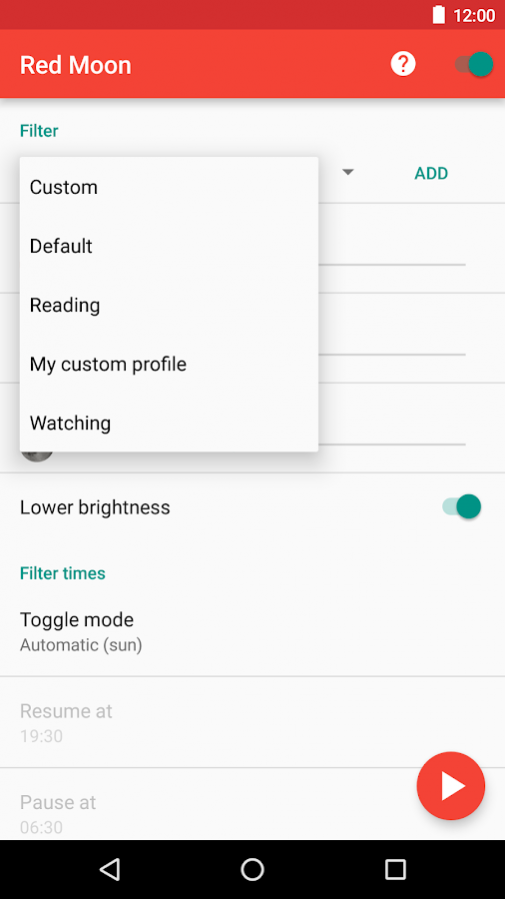
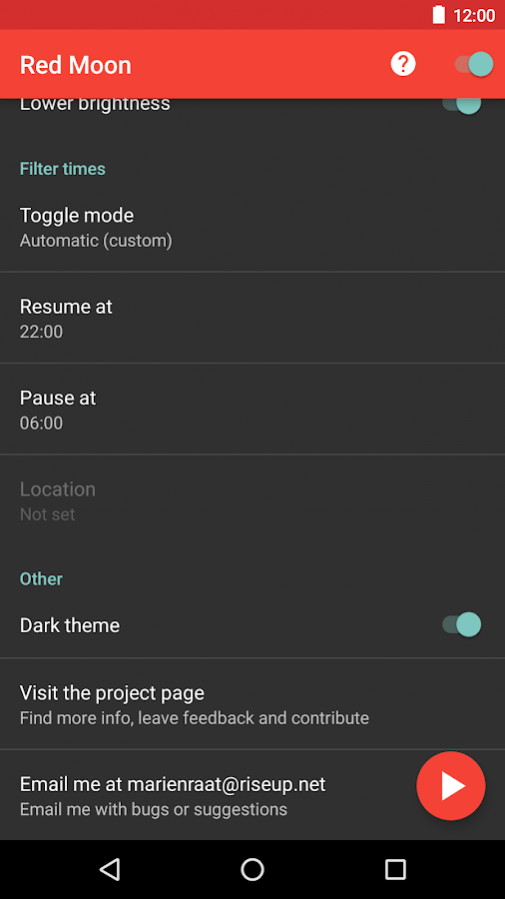
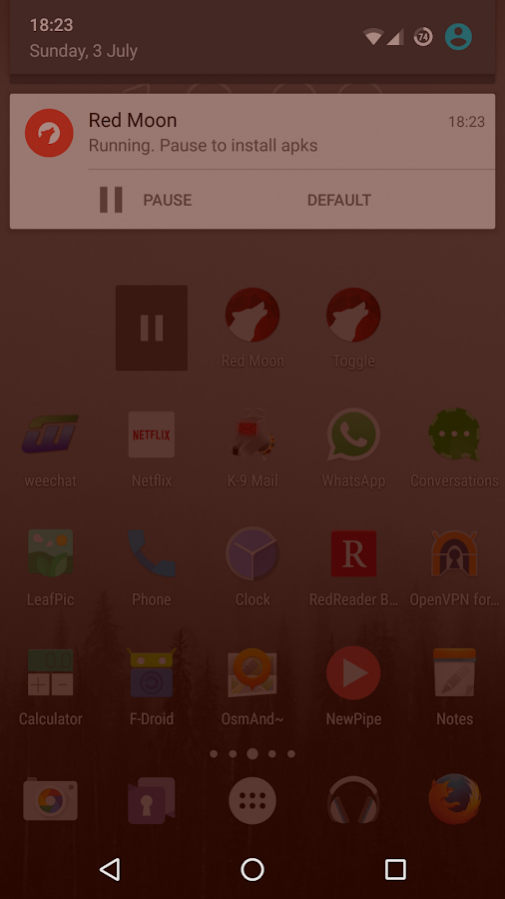
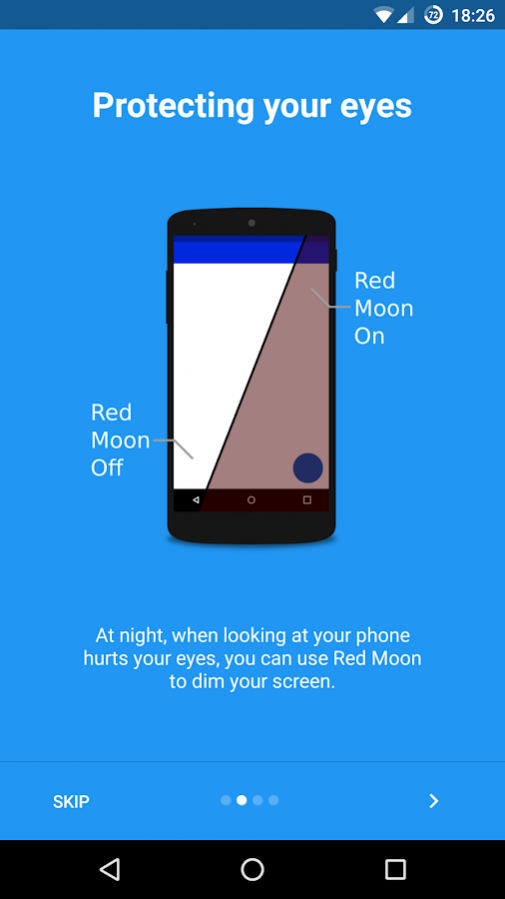
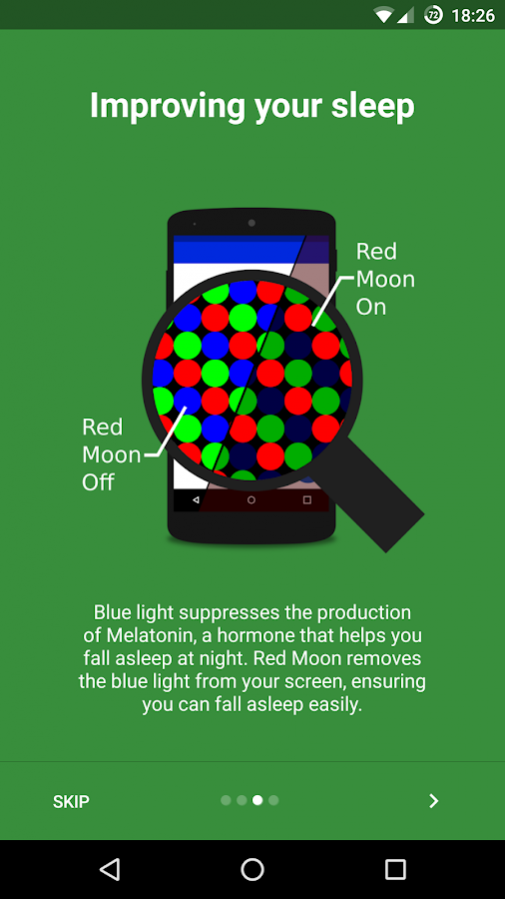
Red Moon protects your sleep by filtering harmful blue light from your screen. Is your phone to bright in the evening? With Red Moon you can dim your phone to a comfortable level! Red Moon has numerous useful features that help you get the sleep you need.
Research suggests that blue light from your phone before going to bed is harmful to your sleep. Red Moon tackles this problem and makes sure you have the best possible sleep!
* Red Moon can automatically turn on when it gets dark. You can also set custom times when Red Moon should turn on or off.
* You can save various settings profile, for example a relaxing red profile for reading and a color neutral profile for watching movies.
* Thanks to Red Moon's three easy to use sliders, you have full control over your screen. You can even choose exactly what color you want the filter to be.
* Red Moon's widget makes it easy to quickly darken your screen.
* You can control the Red Moon quickly through the notification.
* Red Moon uses almost no battery and automatically turns off when it isn't needed.
* Red Moon can integrate with your phones internal brightness settings for a seamless experience.
* Red Moon has an intuitive user interface, compliant with the Material Design guidelines.
* Red Moon will never annoy you with ads.
Red Moon needs some permissions to work:
* Red Moon needs the 'Draw over other apps' permission to filter the blue light from you phone screen.
* Red Moon needs the 'Modify system settings' permission to be able to automatically lower the brightness when the filter is on.
* Red Moon needs access to your 'Approximate location' to be able to determine at what time the sun sets, so it can turn on at night.
* Red Moon needs the 'Run at startup' permission so the filter can persist when your device is rebooted.
Red Moon is open source and free of ads and in app purchases. Red Moon is licensed under the GNU General Public License either version 3 of the License, or (at your option) any later version. This license protects the rights of you, the user, and doesn't take any rights away from you.
You can follow the development of Red Moon at https://github.com/raatmarien/red-moon.
If you have any suggestions or are experiencing issues, please email jmproductions.studio@gmail.com or start an issue on the Github page.
About Red Moon - Screen Filter
The company that develops Red Moon - Screen Filter is JM Studios. The latest version released by its developer is 3.0.0.
To install Red Moon - Screen Filter on your Android device, just click the green Continue To App button above to start the installation process. The app is listed on our website since 2017-04-23 and was downloaded 0 times. We have already checked if the download link is safe, however for your own protection we recommend that you scan the downloaded app with your antivirus. Your antivirus may detect the Red Moon - Screen Filter as malware as malware if the download link to com.jmstudios.redmoon is broken.
How to install Red Moon - Screen Filter on your Android device:
- Click on the Continue To App button on our website. This will redirect you to Google Play.
- Once the Red Moon - Screen Filter is shown in the Google Play listing of your Android device, you can start its download and installation. Tap on the Install button located below the search bar and to the right of the app icon.
- A pop-up window with the permissions required by Red Moon - Screen Filter will be shown. Click on Accept to continue the process.
- Red Moon - Screen Filter will be downloaded onto your device, displaying a progress. Once the download completes, the installation will start and you'll get a notification after the installation is finished.
Program Details
System requirements
Download information
Pricing
Version History
version 3.0.0
posted on 2017-04-23
* Lower brightness applies per filter
* Custom (unsaved) filter remembers last used values
* Switch to custom filter in the notification
* Default filters can be deleted
* Default filters can be restored
* Basic fade in support, so the automatic transitions are smooth
* Bug fixed where sunrise and sunset times wouldn't be updated
* New translations thanks to all the contributors
* The notification is no longer automatically dismissed if you turn the filter off
version 2.9.1
posted on 2016-08-23
* Add an option to automatically suspend the filter in secured apps, like the package installer, permission or root prompt.,* Rename toggle to "Filter toggle" to be more clear,* Update / add various translations,* Remove unnecessary warnings when automatic suspend is enabled,* Add support for Android N app settings,* Add various translations
Disclaimer
Official Google Play Link
We do not host Red Moon - Screen Filter on our servers. We did not scan it for viruses, adware, spyware or other type of malware. This app is hosted by Google and passed their terms and conditions to be listed there. We recommend caution when installing it.
The Google Play link for Red Moon - Screen Filter is provided to you by apps112.com without any warranties, representations or guarantees of any kind, so access it at your own risk.
If you have questions regarding this particular app contact the publisher directly. For questions about the functionalities of apps112.com contact us.
